|
film types
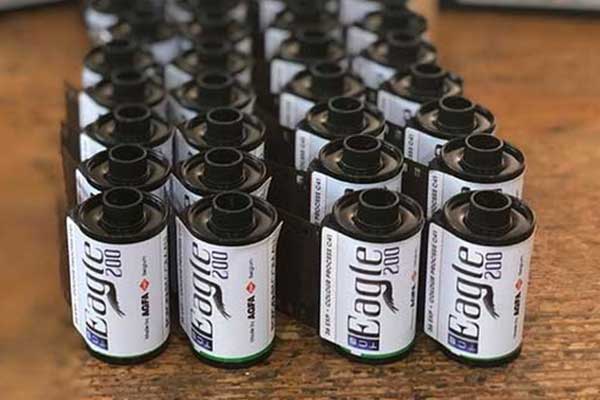
We develop and print all brands of negative film. This includes black and white film that is designed to process through colour chemistry, and which is the cheapest way of doing black and white photography. We also cross process E6 slide films.
print surfaces
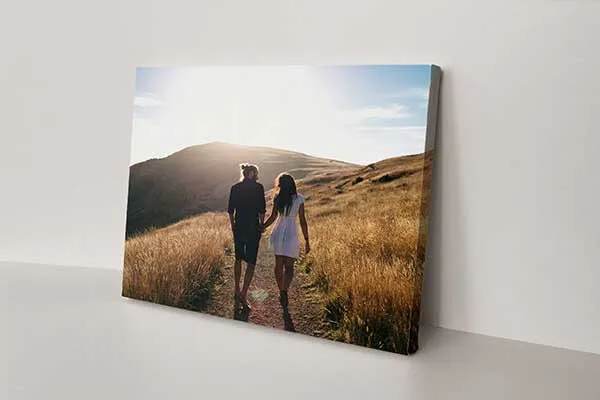
All our developing and printing services are available in glossy or matte surfaces. Glossy is ideal for general purpose photography, giving prints extra depth and contrast. Matte is recommended when the print is to be framed, for display or when people will be handling the photos often. The matte surface does not show finger prints as much as a glossy photo does.
service Time
Developing, printing, and scanning orders from 35mm film are completed from one hour. For slides and 120 film, the service time is 2 working days. True black and white film is a 3 day working day service, Kodak CN400 120 is a 2 day service.
scanning
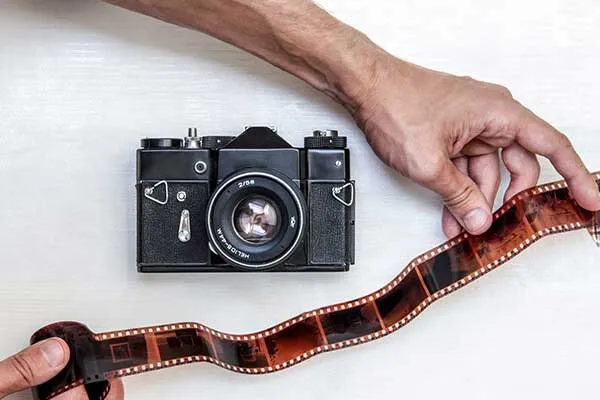
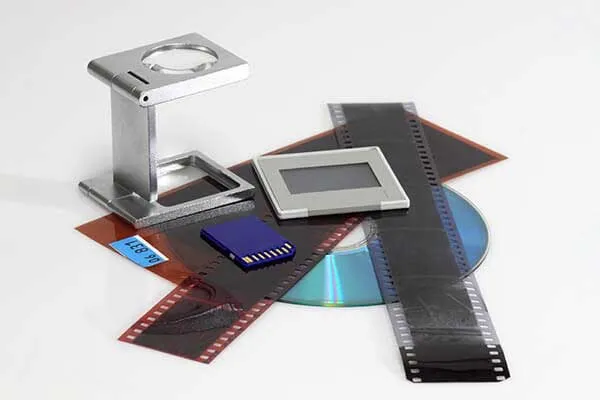
We can scan any 120 & 35mm film that are the standard 24x36mm image size. Now you have a digital file of your creative unique photos that you can put on any of our 100 photo products! See our special develop print with CD packages Download Pricelist
ORDER HOLGA FOOD NOW
customer Service
Many new users especially with the Diana and Holga 120 cameras need help with loading and unloading film. At Fotofast we will help you get the best out of your camera. We get so many films in for processing that are fogged by light, see links below on how to load and unload holgas without fogging film. Our team use both Holga & fisheye 2 cameras so we really understand where you are going.
See our exclusive range Holga & Lomo cameras and accessories more info
Important note for Holga120 & Diana camera users, we get so many films in for processing that are fogged by light. When you finish your roll, as you slide the back off the camera, clamp the film on the right hand side of the camera (viewed facing the back). Now still holding the film tight carefully remove it from the camera ensuring that the film (which is protected from the light by the black paper) stays inside the spool flanges. Lick the small piece of, usually white self adhesive paper, and stick it down tightly Look here for examples of how NOT to unload your 120 film
Still having trouble? Come into Fotofast and we will remove it for you and demonstrate how to load the film as well as tips and tricks on how to take great photos. |